When software meets refrigerant
Smart fridge repairs in Gauteng
A connected fridge is two machines in one shell, a computer and a refrigerator, and each can break the other's heart. We repair both halves at your home across Gauteng, and, more usefully, we know which half is actually guilty. We repair every major brand, including LG, Whirlpool, Samsung, Defy and Kelvinator, with same-day call-outs across Pretoria, Germiston, Sandton and the wider Gauteng metro.
Start here
Two machines sharing one cabinet
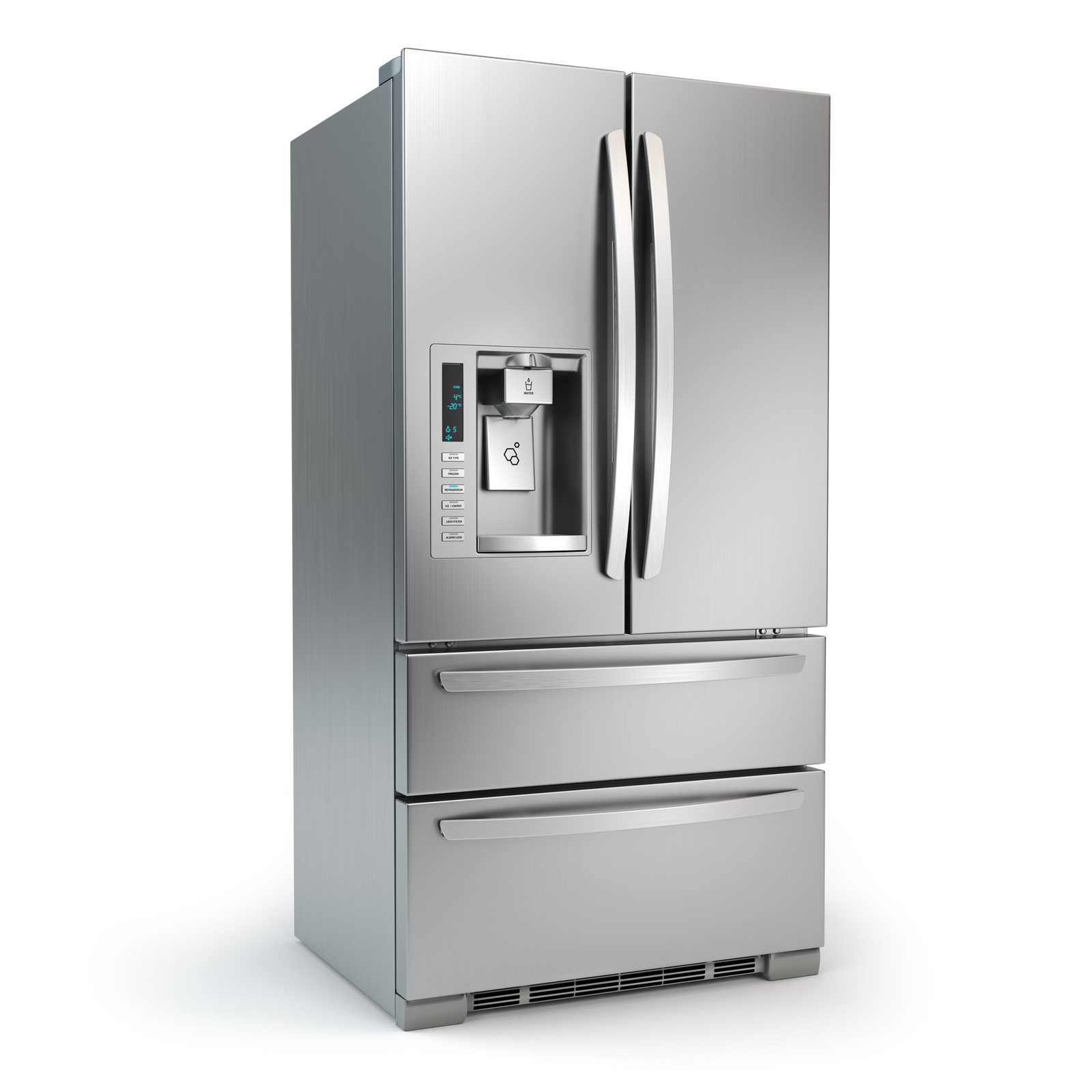
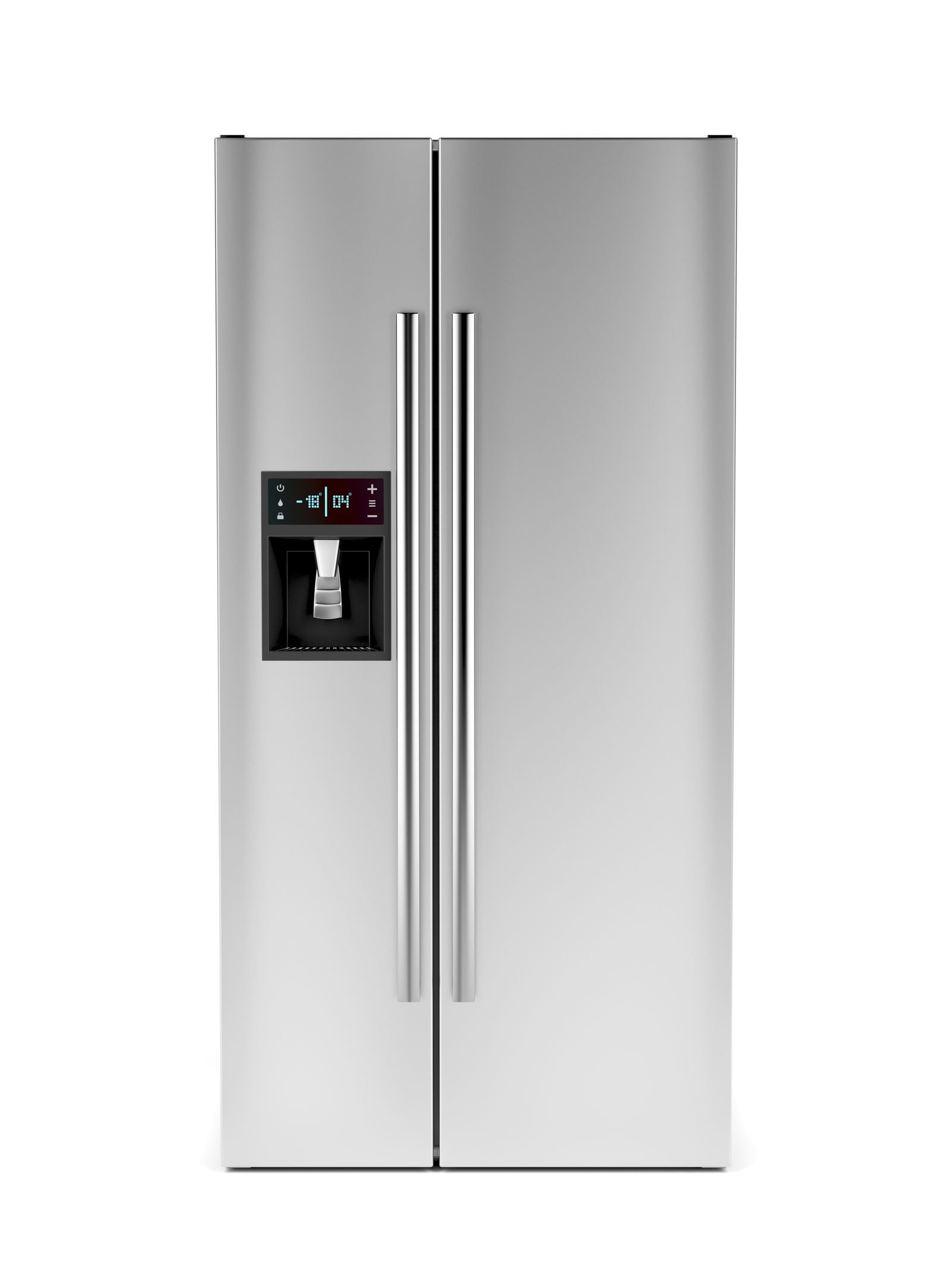
Open the door of a smart fridge and you're looking at two different products that happen to live in the same steel box. Behind the shelves sits a refrigerator that's no cleverer than your gran's, a compressor, a fan or two, a thermostat, some coils, a defrost cycle. Bolted onto the front is a small Android-style computer with a touchscreen, a Wi-Fi radio, a clutch of sensors and a camera or two. The two talk to each other, but they fail for completely different reasons, and confusing them is how people end up paying for the wrong repair.
Here's the part most owners get wrong, and it costs them money: a frozen screen and a warm fridge are rarely the same problem. The screen can crash while the cooling runs flawlessly. The cooling can fail while the screen cheerfully says everything's fine. So our first job on any connected fridge isn't to grab a part, it's to work out which of the two machines is broken, because the answer decides everything that follows. Get that wrong and you replace a perfectly good display board on a fridge whose real fault was a tired fan motor.
That's the lens we bring to every call. The screen is the loud one; the refrigerant circuit is the quiet one that actually keeps your food safe. We treat the noise and the silence as separate suspects until the evidence says otherwise.
Before you pay anyone
The five-minute checks that save a call-out
We'd rather you fix it for free than book a technician you didn't need. A surprising share of "my smart fridge is broken" calls turn out to be a software sulk that a restart clears in two minutes. So before you reach for the phone, try the honest stuff a technician would try first anyway.
- Restart the screen. A locked, dark or glitching touchscreen on a fridge that's still cold is almost always a software hang. Most models have a long-press restart, a reset option buried in the settings menu, or you can simply pull the plug for two minutes. This clears more screen faults than any part swap.
- Re-pair the Wi-Fi. If the fridge has dropped offline, the network is the usual culprit, not the fridge. Reboot your router, wait for your phone to reconnect, then run the fridge's reconnect or Wi-Fi-reset step from its app. Connected homes on fibre still hit this every time the line flaps.
- Re-check after a firmware update. Brands push updates that occasionally arrive mid-cycle and leave the interface sluggish or stuck. Letting an update finish, or triggering a pending one and then restarting, settles a lot of "suddenly weird" behaviour.
- Confirm it's actually a fault. A door-open alarm that won't stop is sometimes a magnet or a jar wedged against the seal, not a sensor failure. Look before you book.
If any of that brings the fridge back and it stays back, wonderful, you owe us nothing. If the same fault returns within a day or two, that's the signal it's hardware, and that's our cue. There's no shame in calling after you've tried; there's just no need to call before.
Make the app work for you
Read us the error code and we'll often arrive knowing the answer
The single most useful thing a connected fridge gives you isn't a recipe suggestion, it's a diagnostic code. When something goes wrong, most smart fridges throw a code on the screen and mirror it in the app: a string of letters and numbers that maps to a specific subsystem. Samsung, LG, Hisense and Bosch each run their own diagnostic ecosystem, and while the codes look different from brand to brand, they all do the same job. They tell whoever's reading them whether the complaint is a sensor, a fan, a defrost circuit, a compressor driver or a comms fault.
So when you book, screenshot the code or read it out to us over the phone. A code that points at the defrost sensor means we load a defrost sensor before we leave the workshop. A code that points at the inverter driver means we bring board-level test gear and the right meter. You've effectively done the first half of the diagnosis from your kitchen, and we turn up with the right part instead of two empty hands and a hunch. It's the closest thing to a fridge that phones ahead about its own symptoms.
One caution: a code is a pointer, not a verdict. A sensor code sometimes means a failed sensor and sometimes means a good sensor reading a real problem honestly. We still confirm with instruments on site. But starting from your code instead of from zero is faster, cheaper and a lot less guesswork, and it keeps us honest, because the machine and the meter have to agree before we name a part.
The eight we see most
Where connected fridges actually go wrong
Across hundreds of Gauteng kitchens, the faults sort into a short, repeatable list. Some live on the computer side, some on the fridge side, and telling them apart is the whole game.
- A dead or frozen touchscreen on a perfectly cold fridge. The display board, its ribbon cable or the touch digitiser has failed while the refrigeration carries on untouched. Annoying, visible, and reassuringly not a food emergency.
- Sensors misreporting temperatures. A thermistor that's drifted or failed tells the control board the fridge is colder or warmer than it really is, so the fridge over-cools, under-cools, or freezes the salad drawer while the app insists all is well.
- Inverter driver board errors. Most smart fridges run a variable-speed inverter compressor, and its driver PCB is delicate. A surge or a failing board throws a compressor or comms code, and the fridge hums oddly, trips, or won't pull down.
- Camera fog and blackout. The internal cameras that let you peek at your shelves from the shops sit in a cold, humid space. They mist over, ice up or go dark, usually a heater, lens or module fault, never a cooling fault.
- Door-open alarms crying wolf. A tired door switch or a magnet that's drifted out of line convinces the fridge a closed door is open. It nags all day and, worse, the light may stay on and quietly add heat.
- Wi-Fi module failures. The radio that connects the fridge to your home network can die outright, often after a surge. The fridge cools fine but goes permanently offline and the app loses sight of it.
- Defrost faults flagged by the app. When a defrost heater, timer or sensor fails, ice creeps over the evaporator and airflow chokes. The smart fridge often catches this early and warns you in the app, a genuinely useful trick if you act on it.
- Water and ice smart faults. Auto-fill dispensers, ice-maker sensors and flow valves add electronics to an already fiddly system. A blocked line or a failed valve sensor turns a clever feature into a puddle or a permanent error.
Notice the pattern: roughly half of these are computer faults wearing a fridge's clothes. If yours simply isn't getting cold, start with our guide to a fridge that's not cooling, the cause is on the refrigeration side, screen or no screen.
Don't let the screen distract you
Under the clever interface, it's still a fridge
It's easy to be dazzled by the touchscreen and forget that the thing keeping your milk fresh is plain old refrigeration. Door gaskets still perish and let warm air in. Condenser coils still clog with dust and pet hair until the compressor overheats. Evaporator fans still seize, drain lines still block, and defrost circuits still fail. None of that has anything to do with software, and no firmware update will fix a torn seal. When a smart fridge runs warm, the fault is usually on this humble side of the machine, and a fancy screen showing you the wrong temperature doesn't change the repair.
There's one more thing worth knowing about what's under the panel. Most smart fridges are inverter fridges underneath, the same variable-speed compressor and driver board that modern non-smart fridges use. That matters because the inverter electronics are sensitive to surges, and Gauteng delivers plenty of those every time the power snaps back after load-shedding. A surge that fries a control board will stop a smart fridge cold. We touch on that here, but the deep diagnosis of board-versus-compressor faults and post-surge behaviour lives on our dedicated inverter page, read it if your fridge has been tripping or humming since the last outage.
The takeaway is calm and simple: the screen is the part you notice, but the fridge is the part that matters. We service both, and we never let a flashy fault distract us from a boring one that's the real culprit.
How a smart-fridge repair runs
Diagnosis by code, then confirmed by instrument
We work from the outside in, software side first, because the cheap checks come before the expensive ones. You tell us the symptom and any error code; we cross-reference it against the brand's diagnostic ecosystem so we know which subsystem to suspect before we arrive. On site, we don't take the code on faith, we put a meter on the suspect sensor, read the actual cabinet temperatures with our own probe rather than the fridge's screen, and check the inverter driver and supply for surge damage. Only then do we name the part.
If it's a software hang, the fix may be nothing more than a clean restart or a firmware nudge, and we'll say so plainly even though it earns us little. If it's a board, a sensor, a fan, a gasket or a regas, you get a written quote before any work starts, with the call-out fee quoted upfront. We carry the common consumables and many control parts; brand-specific screens or boards we confirm for availability and lead time before you commit. Throughout, the cooling and the computer stay separated in our heads, so we fix the fault you have, not the one the screen is shouting about. Homeowners from Bryanston to Benoni get the same straight answer: what's wrong, what it costs, and whether it's worth doing at all.
Brands we work on, and what each tends to throw
Samsung's Family Hub fridges carry the biggest, most software-heavy screens, so they're the ones most likely to need a display-board or interface fix while the cooling stays perfect. LG's ThinQ units lean hard on their inverter compressors and app diagnostics, many faults surface first as an app alert rather than a noise. Hisense ConnectLife fridges give honest value, but their Wi-Fi modules and sensors are the parts we replace most. Bosch Home Connect runs a tidier, more conservative interface that tends to age gracefully. The honest practical note across all four is the same: screen and board part availability varies by generation. Current and recent models we source within days; older or limited-run displays can take longer or, on a few discontinued units, are no longer made. The cooling-side parts, fans, thermostats, gaskets, relays, are standard refrigeration stock and available fast for every brand.
For the refrigeration faults that live beneath the smart layer on Samsung units, our Samsung fridge repairs page goes deeper on the cooling side.
No scare stories here
One sensible habit, and nothing to lose sleep over
Plenty of articles will try to frighten you about what your fridge knows. We won't. For an ordinary home, the cameras and the shopping notes inside a smart fridge are about as risky as the photos on an old phone, which is to say, not much, as long as you do one small thing. When the day comes to sell or hand the fridge on, run a factory reset from the settings menu first. That wipes your account, your Wi-Fi password and any saved camera images, exactly the housekeeping you'd do before passing on a handset. That's the entire privacy story most owners ever need. When we repair a fridge we work on the hardware, boards, fans, sensors, gaskets, not your account, and we leave your data well alone.
Keep both machines happy
Looking after the computer and the cold box
A connected fridge needs the same physical care as any other, plus a little digital housekeeping. Let firmware updates install when they're offered, they fix bugs, and sometimes the very glitch you were about to call about. Keep the air vents inside the cabinet clear; a smart fridge measures airflow with sensors, and a box of leftovers parked over a vent will confuse the readings and trigger false alarms. Wipe the camera lens now and then with a soft dry cloth so it doesn't fog or report a dark shelf as empty.
Clean the touchscreen the way you'd clean a tablet, a soft cloth, no harsh sprays straight onto the glass. Vacuum the condenser coils at the back or base a couple of times a year so the inverter compressor isn't fighting a blanket of dust. And give the electronics a fighting chance against Eskom: a surge protector or small UPS on the supply protects the boards that cost the most to replace. A fridge blamed for a Wi-Fi dropout is usually just waiting for the router to come back, but a board that's taken a surge won't quietly recover on its own.
Smart-fridge questions, straight answers
What Gauteng owners ask us most
The touchscreen is frozen but the fridge is still cold. What should I do first?
Treat it like a small computer, because that's what the screen is. Hold the power or restart combination for your model, or switch the fridge off at the wall for two minutes and back on. A locked screen on a fridge that's still cooling is almost always a software hang, not a refrigeration fault, and a clean restart clears most of them. If it comes back and stays back, you've fixed it for free. If it crashes again within a day or two, the display board or its ribbon cable is failing and needs a technician. Your food was never in danger either way.
My smart fridge went offline after load-shedding and won't reconnect. Is it broken?
Usually not. Nine times out of ten the fridge is fine and the network rebooted. When the power returns, your router takes longer to come fully back than the fridge does, so the fridge gives up trying to reach it. Wait until your other devices are online, then re-pair the fridge from its app, most brands have a Wi-Fi reset step. If it still refuses after the network is healthy, the Wi-Fi module may have taken a surge hit, which is a board-level repair. The cooling side is independent, so an offline fridge keeps your food cold regardless.
The app is showing an error code. Should I switch the fridge off?
Don't rush to the plug. First screenshot the code, it's the most useful thing you can hand a technician, because it points straight at the fault. A single power cycle is worth trying, since transient glitches clear. But if the same code returns, leave the fridge running while you call us, especially if it's still cooling. Switching a working fridge off to silence an alarm only spoils food and tells us nothing. Read the code out when you book and we'll often arrive already knowing which part to bring.
Can you actually get a replacement touchscreen for my fridge here in Gauteng?
Sometimes off the shelf, sometimes on a short order, occasionally not at all, it depends on the brand and generation. Display assemblies for current and recent models are usually available through local distributors within a few days. Older or limited-run screens can take longer or, on a few discontinued models, may no longer be made. We check availability against your exact model and tell you the lead time before you commit. And because the cooling and the screen are separate, a fridge waiting on a screen part still keeps your food cold meanwhile.
Does a dead screen mean a dead fridge?
No, and this is the most important thing to understand about a smart fridge. The screen and the app are a convenience layer bolted onto an ordinary refrigerator. The compressor, fans and thermostat run on their own control board and will happily keep cooling with the screen black. A failed display is annoying and worth fixing, but it doesn't strand your groceries. We've replaced plenty of dead screens on fridges that never missed a degree. So if your touchscreen dies, you have time to repair it properly rather than panic-buying a whole new fridge.
Will a surge protector actually help my smart fridge?
Yes, more than for a basic fridge. The display board, the Wi-Fi module and the inverter driver are exactly the parts surges kill, and Gauteng's load-shedding switch-backs and summer storms deliver plenty of spikes. A good surge protector or, better, a small UPS for the control electronics buys real protection for the expensive boards. It won't make the fridge run during an outage on its own, and it isn't a cure-all, but it's cheap insurance against the faults that cost the most. We'll point you at the right rating for your unit.
Is my food data or fridge camera footage a privacy risk I should worry about?
It isn't something to lose sleep over, and we won't sell you fear about it. The practical point is simple: if you ever sell or give the fridge away, do a factory reset from the settings menu first so your account, Wi-Fi password and saved photos are wiped, the same housekeeping you'd do with an old phone. That's the whole privacy story for most homes. When we repair a fridge we work on the hardware, not your account, and a reset before resale is the one habit actually worth bothering with.
Related repairs and the machine underneath
Inverter fridge repairs
The variable-speed compressor most smart fridges share.
French-door fridges
The big-format bodies most smart screens live on.
Side-by-side fridges
Twin-door units with dispensers and sensors.
Samsung fridge repairs
Family Hub and the cooling side beneath it.
Fridge not cooling
When the warm fault is on the refrigeration side.
All home fridge repairs
One team for every fridge in the house.
Tried the restart and the re-pair and it's still misbehaving? That's our cue, book a smart fridge repair and we'll bring the right part for the code you read us.
Brands, faults & areas
Smart Fridge Repairs: the brands we repair and the Gauteng areas we cover
Fridge brands we repair
We service all the major makes sold in South Africa, from everyday models to premium, electronically controlled units: Samsung, LG, Defy, Bosch, Whirlpool, Hisense, Kelvinator, KIC, AEG, Smeg and Electrolux.
Common fridge & freezer faults we fix
Whatever the symptom, we diagnose it with proper instruments before we quote. The faults below are the ones we are called out for most.
Areas we serve across Gauteng
Same-day call-outs across Johannesburg, Pretoria and the wider metro, from Sandton and Midrand to the East Rand. Find your area below.